3. Flash Images
Environment: Windows OS
❶ Open RKDevTool\RKDevTool_Release\RKDevTool.exe
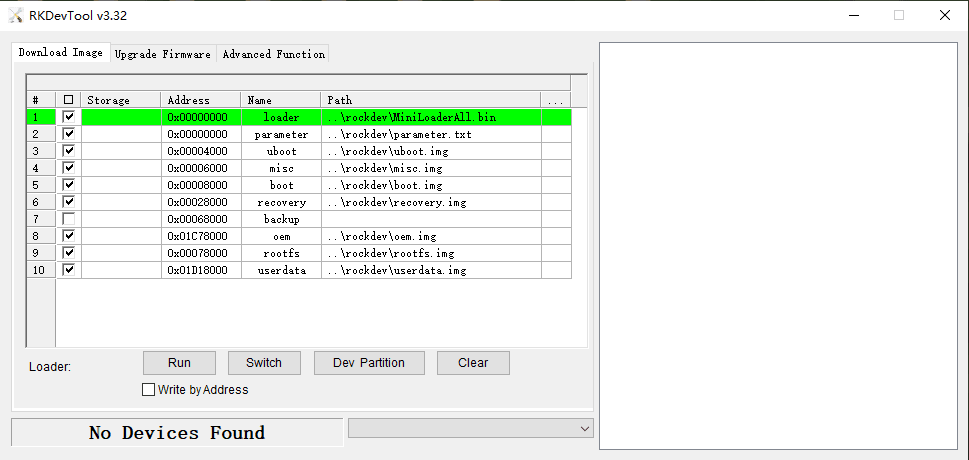
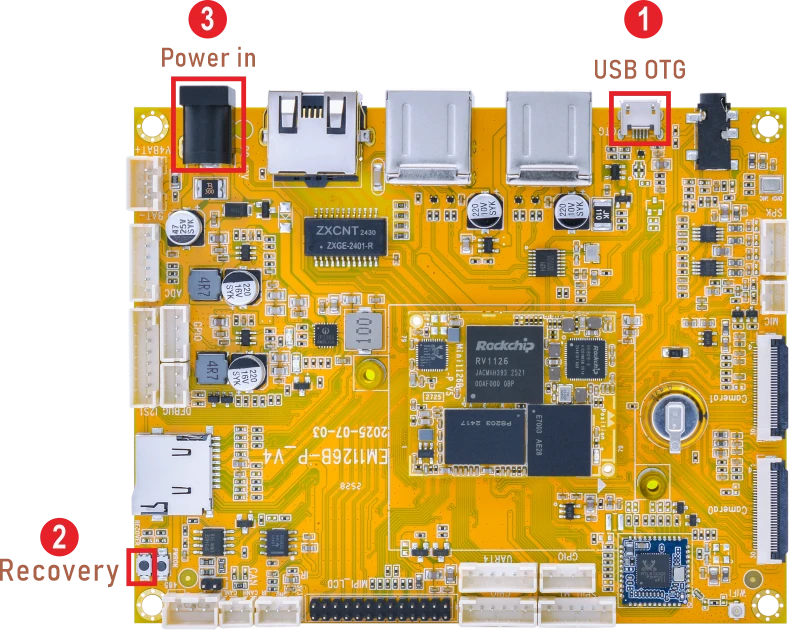
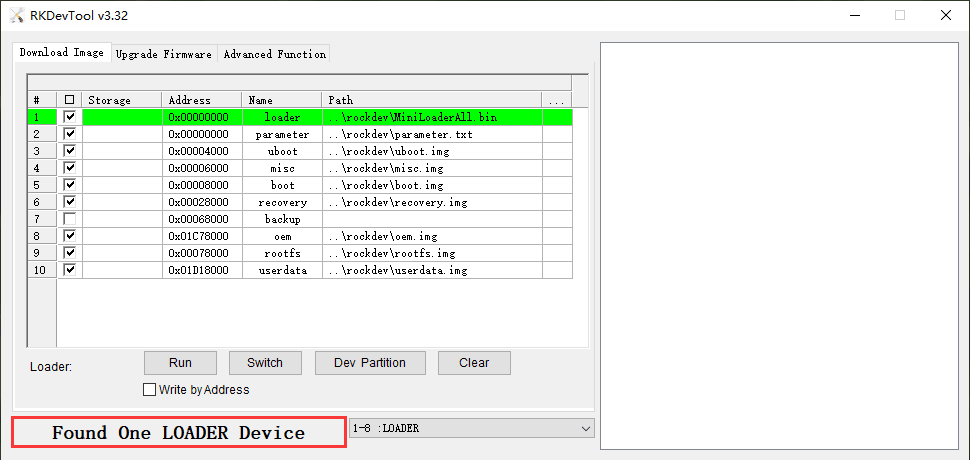
❷ Connect PC and development board with Micro USB cable, keep pressing the Recovery Key and power up until the windows PC shows Found one LOADER Device, then release the key.
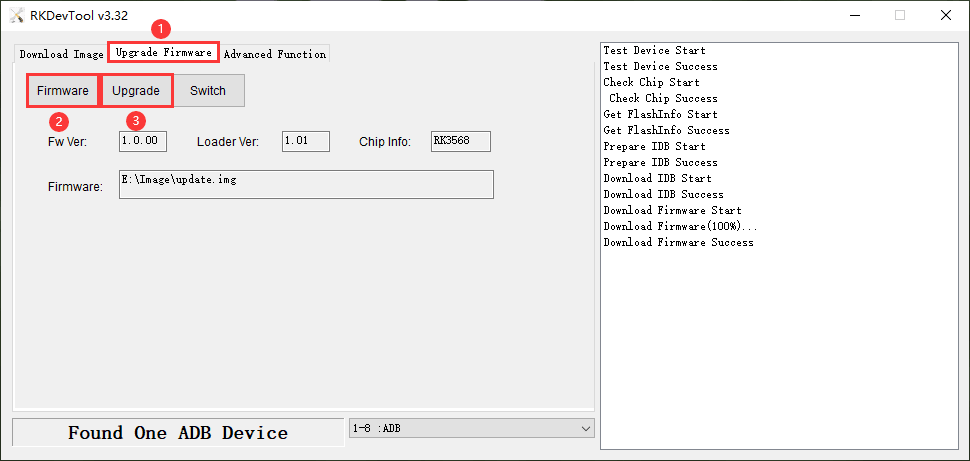
❸ Click Upgrade Firmware -> Firmware, select
update.img. Click Upgrade to flash.
User can also update the firmware separately.
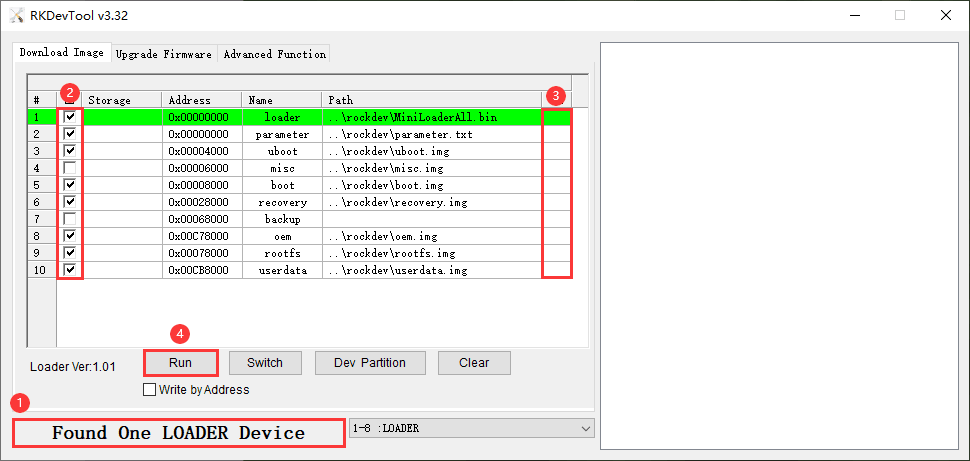
❶ In Loader mode, select the checkbox on the left.
❷ Click the column on the right side for the path of the file want to flash.
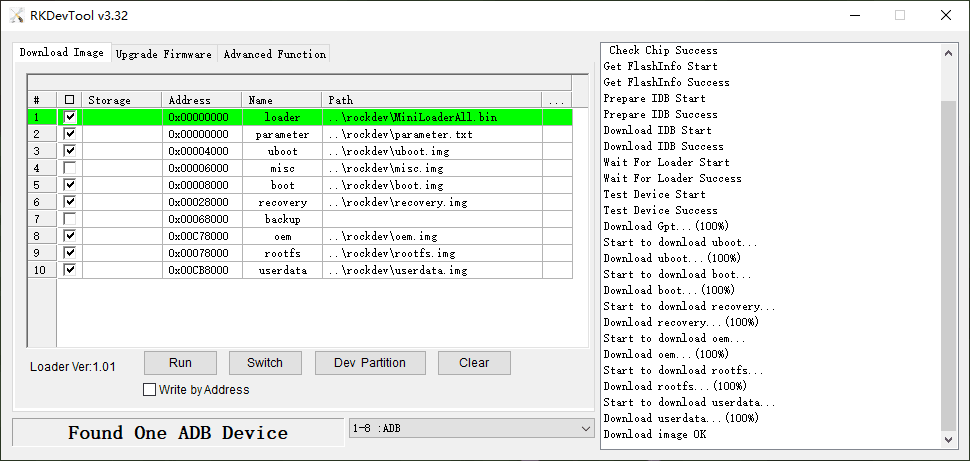
❸ Click Run to flash the image.