2. Install Serial Terminal Tool
The serial terminal SecureCRT is used for debugging in Windows. It can
be used directly after decompression. Open SecureCRT.exe after copy to
PC, then click the icon Quick Connect to config.
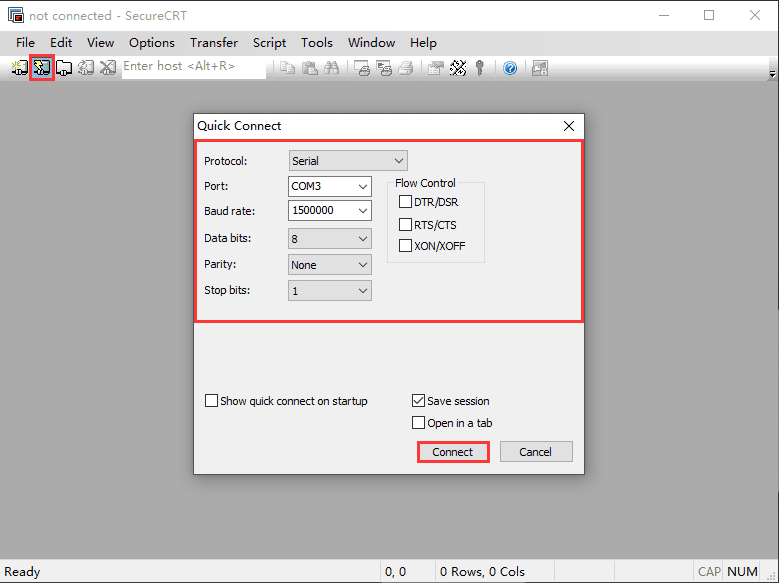
Quick Connect |
|
|---|---|
Protocol |
Serial |
Port |
To be specified by user PC |
Baud rate |
1500000 |
Data bits |
8 |
Parity |
None |
Stop bits |
1 |
Please make sure XON/XOFF, RTS/CTS are not checked |
|
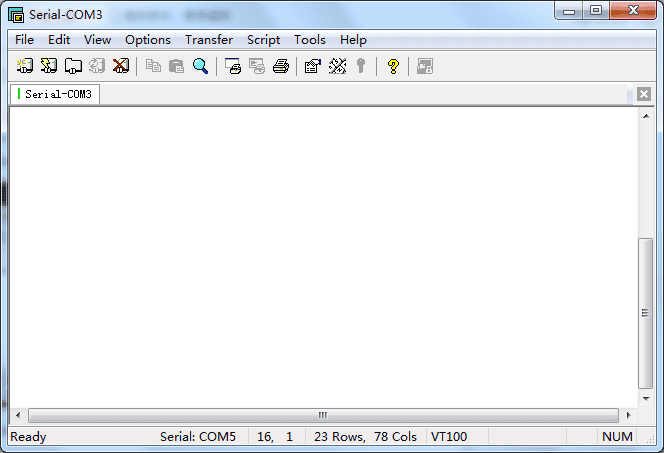
After all, check Save session and click Connect.
Tip
If open more than one serial terminal tools, and they use the same serial port, there will be reported the port is busy.
Solution: Turn off the serial tool that unnecessary.